

Accessibility isn’t a “nice to have.” It’s what determines who can enter a space, engage with content, and feel like they belong. Too often, accessibility is treated as an afterthought. Something to patch in after the plans are already set. Building it in from the start is easier, cheaper, and more effective than retrofitting it later.
These checklists are a quick-reference guide you can return to each time you plan an event. Whether it’s a team meeting, a community fundraiser, a conference, or a holiday party.
Remember: Disabled people are the experts in their own access needs. When in doubt, ask attendees directly what would support their full participation and make it easy for them to tell you.
Insights informed by Disability Belongs™, a disability-led nonprofit driving cultural and policy change for full disability representation and inclusion.
Before You Send the Invite: Event Communications Checklist
Barriers can start before an event even begins. Clear, complete communications help people decide whether they can attend and how to prepare.
Essential Event Information
- Full date, start time, end time, and time zone (especially important for virtual events)
- Event format clearly stated: in-person, virtual, or hybrid
- Location with full address, or virtual platform link
- Agenda or schedule shared in advance, or at the start of the event
- Contact name and email for questions or accommodation requests
Accommodation Statement
- Include an accommodation request statement in all event materials
- Name a real person (with contact info) responsible for handling requests
- Set a clear request deadline (e.g., “Please submit requests by [date]”)
- Note that late requests may have limited options, but accommodate when you reasonably can
- Optionally list accommodations you’re able to provide, with space for attendees to request something not on the list
Accessible Materials
- Use sans-serif fonts (e.g., Arial, Helvetica) at 16pt or larger
- Check color contrast, dark text on light backgrounds, or vice versa
- Add alt text/image descriptions to all images
- Avoid flashing or fast-moving visuals
- Avoid glitter or heavily scented physical materials
- Offer a plain text version of complex documents when possible
- Test materials with a screen reader, or ask someone with a disability to review them
In-Person Events Checklist
Physical accessibility goes beyond meeting the legal minimum. Aim for an environment where everyone can move through, participate in, and enjoy your event independently and comfortably.
Venue & Physical Access
- Accessible entrance(s) clearly marked and easy to reach
- Accessible restrooms available and signposted
- Wide, stable, obstacle-free pathways throughout the space
- Paved surfaces (not gravel or uneven terrain) for outdoor events
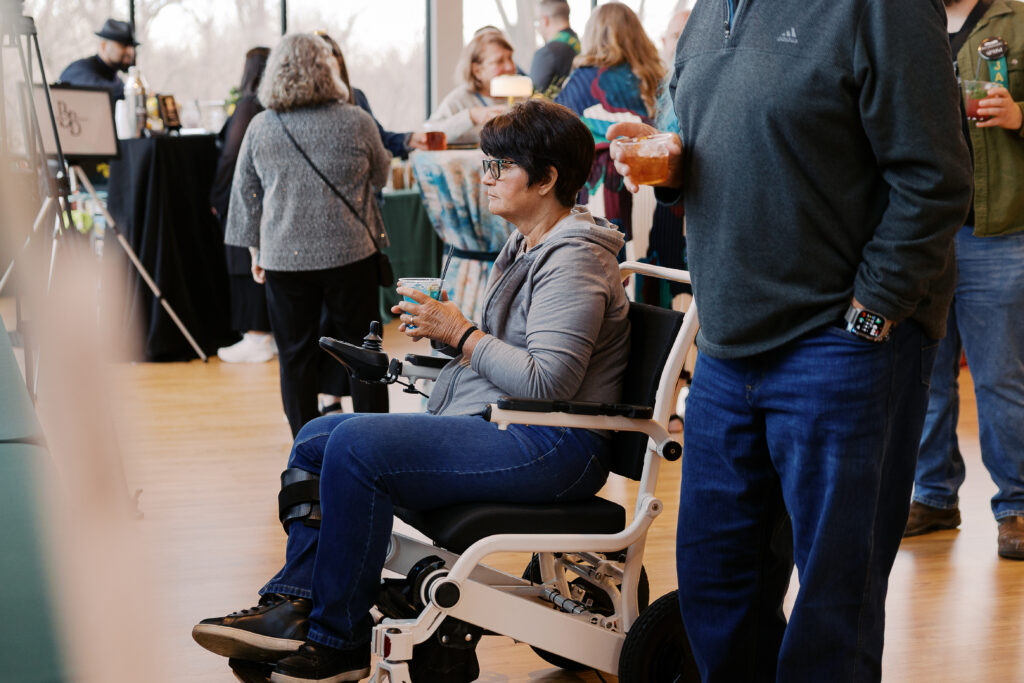
- Integrated accessible seating so attendees aren’t isolated from the group
- Clear sight lines to the stage, screen, interpreter, and speaker
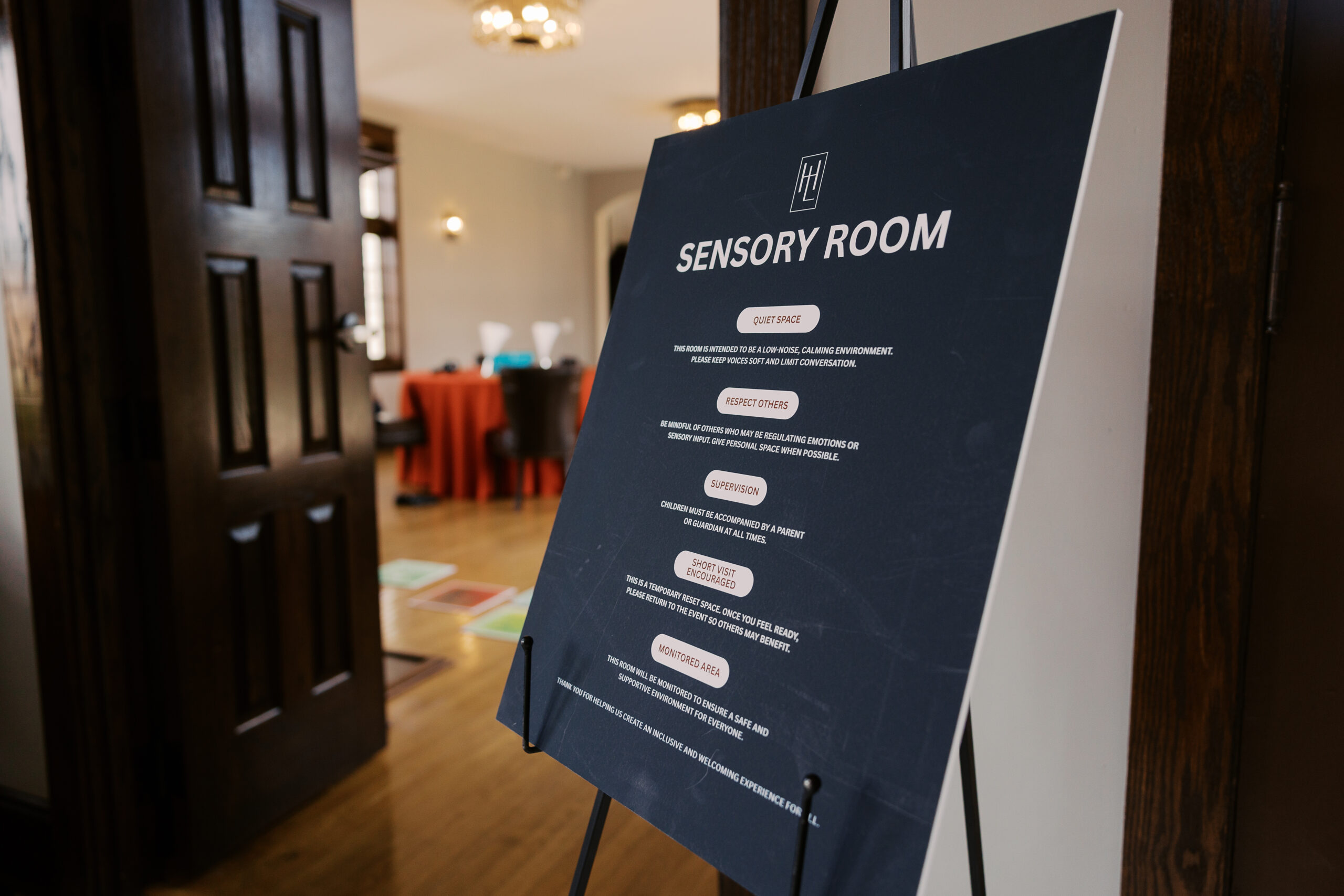
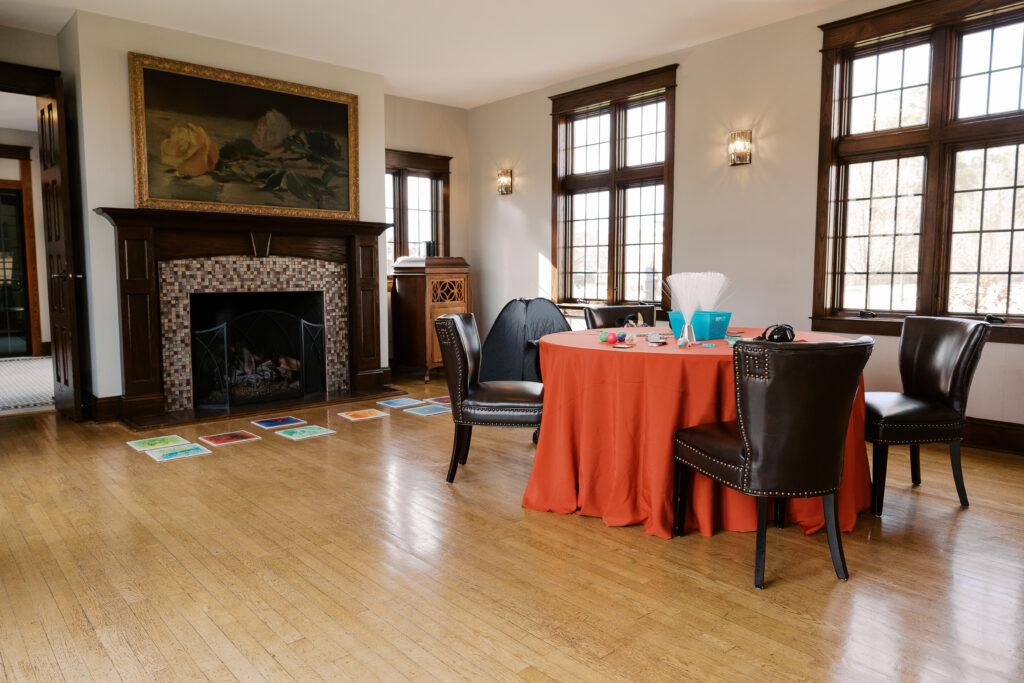
- Quiet/low-stimulation space available for attendees who need a break
- Shaded seating and water stations for outdoor hot-weather events
Transportation & Arrival
- Research and communicate nearby accessible public transit options (including elevator availability)
- Accessible parking location clearly communicated in advance
- Accessible drop-off area identified and shared
- Step-by-step arrival instructions provided (which entrance to use, where check-in is, how to reach elevators)
- Distance from parking/drop-off to the venue entrance noted
Service Animals
- Service animals are welcome in all areas where attendees are permitted, plan space for this
- Ensure room for the handler and service animal to navigate comfortably
- Remind staff and guests: do not pet, feed, or distract a working service animal without the handler’s permission
- Know your venue’s policy on emotional support animals (these have different legal access rights than trained service animals)
Food & Drink
- Clearly label all ingredients, including allergens
- Note vegetarian, vegan, and other dietary options where possible
- Ensure food and drink stations are physically accessible (reachable by wheelchair users, not in narrow or crowded areas)
- Minimize strong fragrances in the event space
- Provide a quieter, dimly lit space to support attendees with sensory sensitivities
Virtual & Hybrid Events Checklist
Virtual events remove some barriers and introduce new ones. Hybrid events are one experience with multiple access points not two separate, unequal events.
Before the Event
- Have speakers and panelists log in early (at least 20 minutes) to test technology
- Confirm the platform is accessible and screen reader compatible — ideally tested by someone with a disability
- Share slides, agendas, or key materials with attendees in advance when possible
- Schedule breaks approximately every hour to reduce cognitive overload
- Enable and test live captions or CART before the session begins
- Book ASL interpreters at least 2 weeks in advance (longer for large or complex events); plan for multiple interpreters on longer events
- Share speaker names, attendee names, and any specialized terminology with your captioner in advance — this significantly improves accuracy
During the Event
- Speakers identify themselves by name before speaking (e.g., “This is [name]…”)
- Moderator clearly manages turn-taking to prevent people talking over each other
- Verbally describe or summarize key chat comments and visual content on screen
- Describe images, slides, and on-screen visuals aloud for those who can’t see them
- Ensure captions and the interpreter are visible on screen at all times
Hybrid-Specific
- Provide captions and interpretation both on-screen AND in the room for in-person attendees
- Share all materials with both in-person and remote audiences simultaneously
- Enable remote attendees to contribute to discussions — not just observe
- Design all interactions so virtual and in-person participants feel equally included
After the Event
- Share a recording with all registrants in a timely manner
- Provide a written summary or key takeaways document
- Ensure the recording includes captions or a transcript
Captioning Resources for Virtual Events
- CART (Communication Access Realtime Translation) provides real-time, word-for-word captions by a trained human captioner. Captions benefit not just Deaf and hard-of-hearing attendees — they improve comprehension for everyone. Here are some options to explore:
- Zoom Live Captions — Built-in AI captions included with most Zoom accounts. A solid free starting point.
- StreamText — Supports both AI and human captioner options with transparent per-minute pricing and no subscription required. Good for occasional events.
- Verbit — Hybrid AI and human captioning that integrates with Zoom, Teams, and learning platforms. Flexible booking available.
- HIS Sign Interpreting — Human CART services for Zoom, Teams, Google Meet, and Webex. They manage the full technical setup for you.
- LNS / Simply Captions — Professional CART for in-person, hybrid, or fully remote events and conferences.
- Inclusive ASL — Combines CART captioning with ASL interpretation for fully accessible events.
Pro tip: Send your captioner a list of speaker names, attendee names, and any specialized terminology before the event. This significantly improves accuracy — something automated AI captions can’t match on their own.
Want to go deeper on accessibility? Check out Disability Belongs™’ Accessibility Basics resource or visit DisabilityBelongs.org to learn more about their work.
